Podcast Transcript Generator for Captions & Clips
Get readable, timed text from your episodes by uploading audio for auto-captions on vertical video—or paste a transcript to turn the words into a narrated short without retyping everything.
Transcripts That Ship as Video, Not Just a Doc
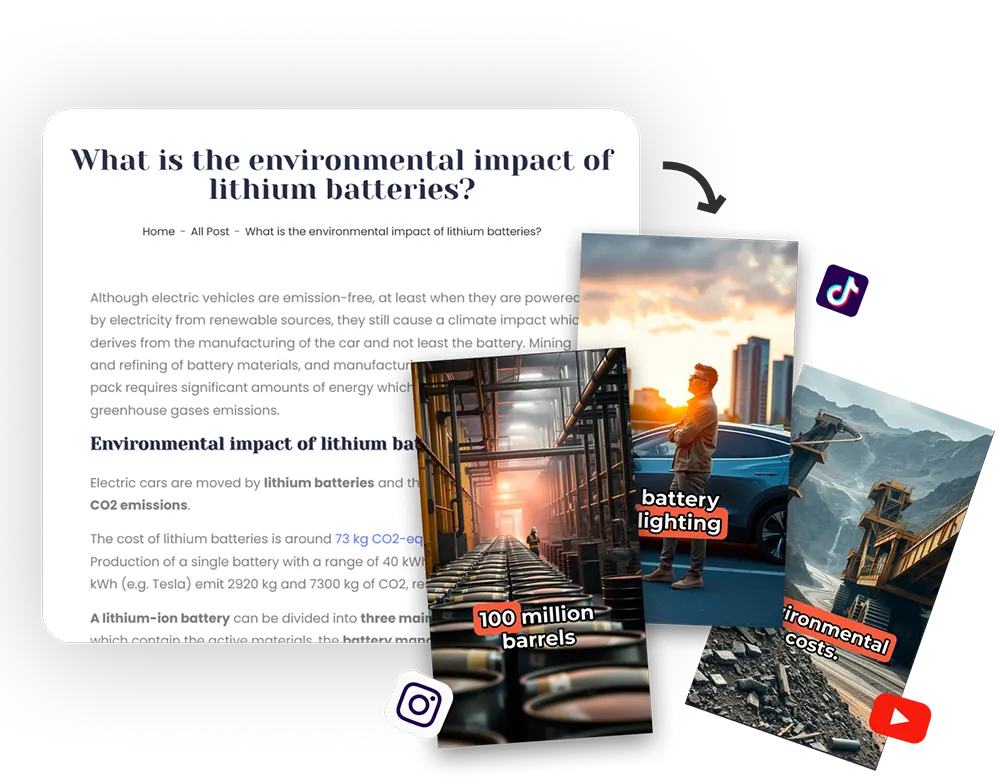
A plain transcript is hard to promote on TikTok, Reels, or YouTube Shorts. Flarecut turns spoken episodes into timed, on-screen text layered on vertical video—either by transcribing your uploaded audio or by using text you already exported from another tool. The output is a finished clip you can post, not a wall of text in a Google Doc.
Upload Audio → Get Captions on a Video
Drop a podcast clip on the Audio tab. We transcribe the speech, align subtitles to the waveform, and add stock footage so the file reads as a real social video instead of a silent MP3.
Great for audiograms, quote cards in motion, and chapter teases. Listeners who discover you on mute still get the message because the transcript is visible on screen.
Already Have a Transcript? Paste It
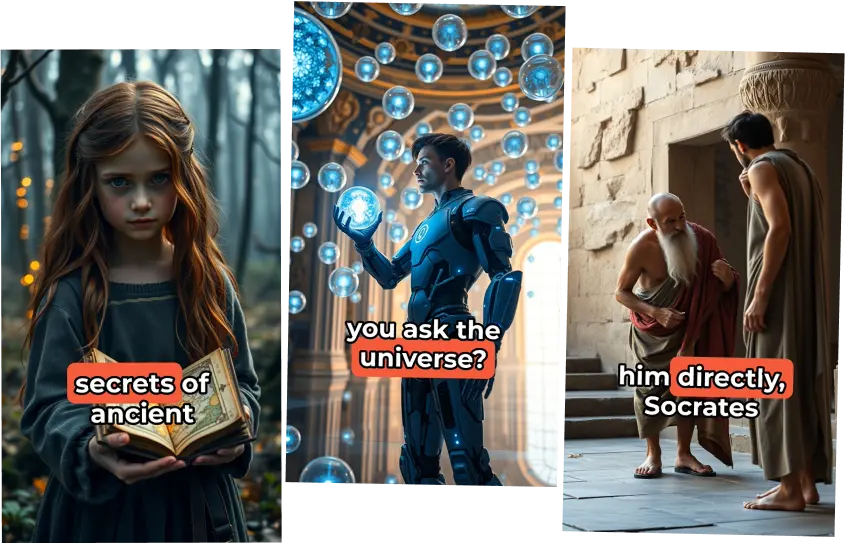
If Descript, Otter, or your DAW produced a text export, paste the cleaned copy into the Describe or script flow to generate narration timing, visuals, and subtitles in one pass—useful when you trust the text more than a raw ASR pass.
Pair this with your show notes workflow: the same transcript can seed blog snippets, newsletter blurbs, and a vertical promo without maintaining three separate creative directions.
Why Podcasters Need Transcript-Based Video
Search and social algorithms reward video with legible captions. Turning transcripts into packaged shorts multiplies every hour you spend in the booth.
Accessibility Meets Distribution
Captions help d/Deaf audiences, non-native listeners, and anyone scrolling on mute—without a separate captioning project for each platform.

Faster Than Manual Subtitle Tracks
Skip frame-by-frame typing for promos. Upload once, review phrasing, export a vertical master you can cross-post.
Reuse the Same Words Everywhere
Your transcript becomes social creative, not just SEO metadata. Pull highlights straight from the same text your team already approved.
Keep Branding Consistent
Adjust caption styling and imagery so every clip feels like the same show, even when you batch a month of teasers.
AI Voices When You Need a Different Read
Host audio stays authentic for most clips. When you want an announcer-style teaser or alternate language pacing, swap in a natural AI voice from the library without re-recording the episode.
Samples:
Frequently Asked Questions about Podcast Transcripts
Does Flarecut export a standalone .txt or .srt file?
The focus is video-first: captions are baked into Shorts-ready exports. Copy tweaks happen inside the editor; download the rendered MP4 for social platforms.
Can I start from audio only?
Yes. Upload MP3/WAV via the Audio tab and we transcribe the clip, sync subtitles, and add supporting footage automatically.
What if I already have a transcript from another app?
Paste the cleaned transcript into the text workflow to generate visuals and narration timing without re-transcribing—ideal when you have human-edited dialogue.
How accurate is automatic transcription?
Accuracy depends on mic quality, room tone, and cross-talk. Plan to fix names, numbers, and jargon before publishing; the editor is built for quick text fixes.
Is this only for English podcasts?
Many teams use the same flow across languages; verify caption readability for your audience and adjust styling for longer glyph sets when needed.
Podcast Production Tips
AI Voice Over Youtube Monetization? Everything you need to know
Faceless YouTube channels are an increasingly popular option for creators who want to build a successful YouTube presence...
What are automated Youtube Channels?
What if you could build a successful YouTube channel without ever having to show your face on camera? Sounds intriguing, doesn't it?

How to Grow a Faceless Youtube Channel - Actionable Tips
Growing a successful YouTube channel without ever showing your face is not only possible, but also a thriving trend that allows creators...

For questions, feedback and collaborations
support@flarecut.com