AI presenter video generator from script
Paste module copy or lesson outlines, choose a presenter persona, and generate training-style video with lip-synced delivery and optional background footage — the talking-presenter format learners expect.
Speech
Credits: 0
Est. duration: 0sAvatar
Background video
Captions
Hide on-screen captions for this video. When on, captions sit above the avatar and follow the voice.
Animation type
Alignment
Background music
No music
AI presenter video
Course and training videos with an AI presenter — not a blank slide deck.
Turn lesson scripts into presenter-led video where an AI host speaks direct-to-camera with optional visuals behind them. Educators, L&D teams, and course creators ship modules faster than scheduling studio time.
Talking Avatar
AI presenter for digital training
One presenter explains concepts on camera — suited for software tutorials, compliance intros, and course trailers with B-roll or UI footage behind the host.
Create avatar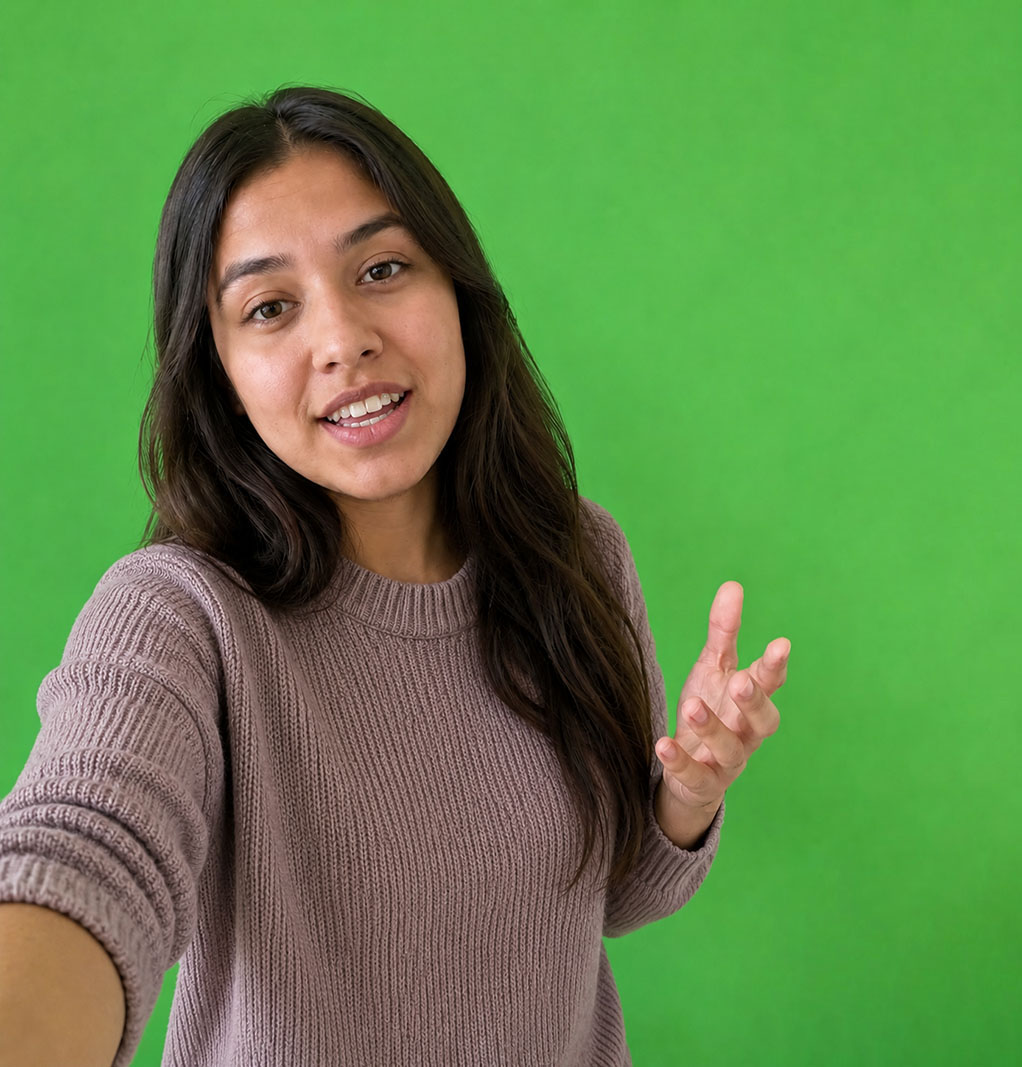
Seedance 2.0
Presenter with physical demo props
When lessons must show physical kits, samples, or merchandise in the presenter's hands across scenes, influencer multiscene video may fit better.
Create influencer
Presenter-led lessons
An AI presenter delivers your curriculum on camera.
Write the teaching script once; Flarecut generates a consistent on-camera presenter with captions and optional background video — ideal for microlearning, onboarding series, and course sales pages.

Hands-on product lessons
Training that must show physical products in every scene?
Workshops with hardware, cosmetics, or food samples may need influencer-style footage. Use multiscene UGC when the presenter must hold the item, not only talk over B-roll.
Presenter video for every module — without booking a host.
L&D and course businesses keep a familiar on-camera face across lessons while updating scripts as products and policies change.
Same presenter across a course series
Lock a persona so module 1 and module 12 feel like the same instructor — learners build recognition without one marathon filming day.
Visual context behind the presenter
Pair the AI presenter with screen recordings, stock footage, or uploaded B-roll so concepts are shown, not only spoken.
Update lessons when content changes
Edit the script and regenerate presenter video when features ship — no reshoot with a human host.
Captions support silent study
Built-in captions help learners follow along in open offices, commutes, and mute-by-default environments.
AI presenter video generator — FAQ
Yes — many creators use on-camera presenters for lesson intros, summaries, and promo clips while deeper content can stay slide- or demo-based.
Related avatar tools you might like:
Your lesson script — an AI presenter on camera.
Paste module copy, pick a host persona, and publish presenter-led training video without a studio day.
70 starter credits — no card required.